Why Font Subsetting Breaks Editing But Not Reading
Font subsetting keeps only glyphs a PDF already uses. Readers still render; edits fail on missing characters. PDF123 Compress does not subset fonts.
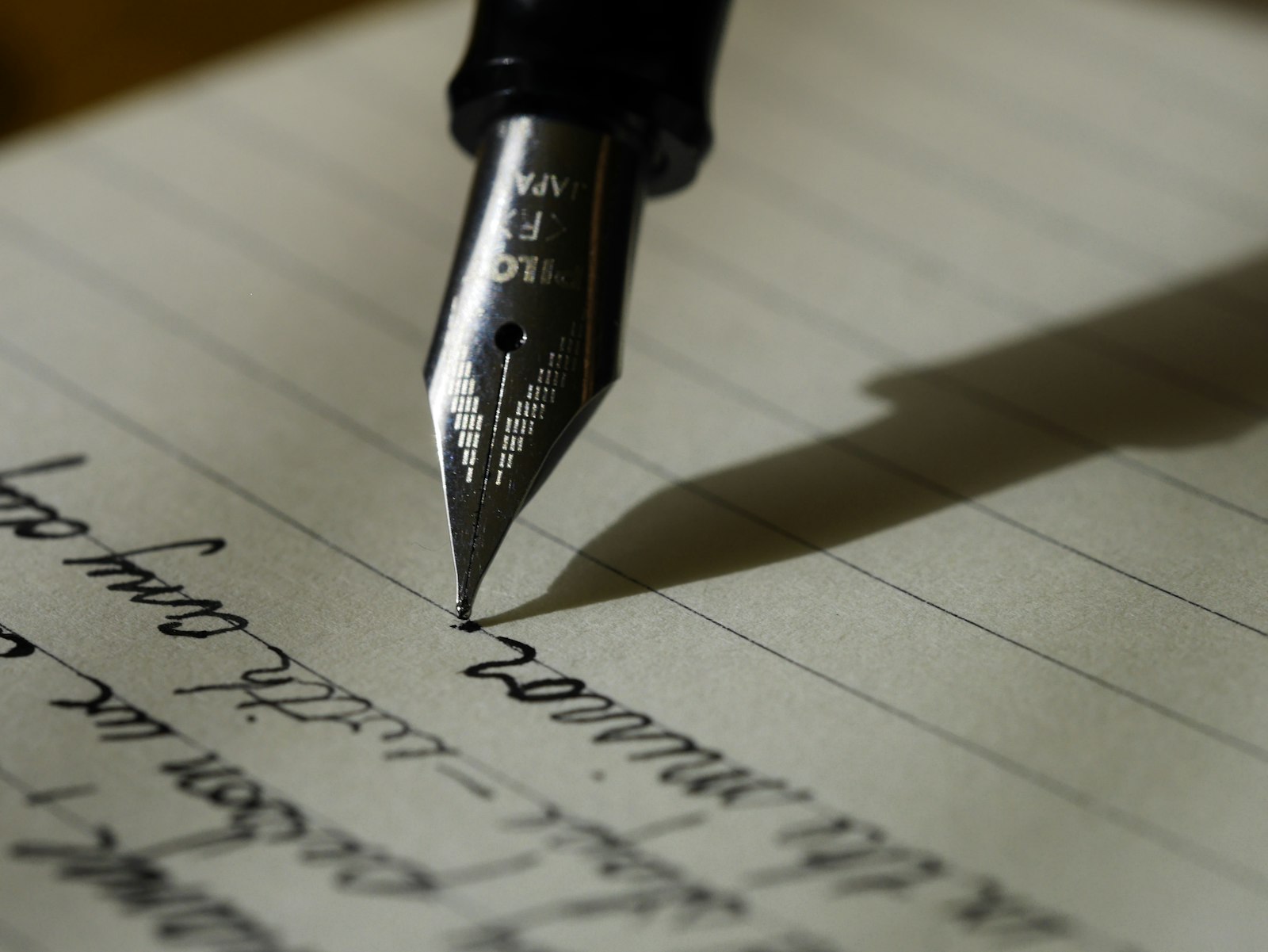
A PDF can look perfect and still refuse the next character you type. That is often not a broken viewer. It is font subsetting: the file embeds only the glyphs it needed when it was written, and editing asks for a glyph that was never packed in.
What a subset is
TrueType and OpenType fonts can contain tens of thousands of glyphs. A ten-page memo might use a few hundred. Subsetting rewrites the embedded font so unused glyphs are dropped. File size falls; on-screen and print rendering of existing text stays the same, because every character already in the document is still present.
Reading and printing therefore succeed. The failure mode shows up later: someone opens the PDF in an editor, types an accented letter or rare punctuation, and the missing glyph is substituted, blank, or rejected. Copy-paste of existing text usually still works; it is insertion of new characters that hits the hole in the glyph table.
Subsetting is not removing the font
The font object remains embedded. What leaves is the unused part of the glyph table. That differs from:
- Relying on a system font installed on the reader's machine (substitution risk across OSes)
- Converting text to outlines or images (which kills select and search)
- Encrypting the file (Protect)—encryption does not subset glyphs
Many office exporters and print-to-PDF drivers subset by default when they embed fonts. The damage is done at export time, not when a later viewer opens the file. Re-saving through another PDF tool may or may not re-subset; it will not magically restore glyphs that were never written.
What PDF123 Compress actually does
Compress (POST /api/v1/misc/compress-pdf) asks qpdf to compress streams (--compress-streams=y), recompress flate data, and generate object streams. It does not subset fonts and does not claim image downsampling. If a file is already stream-tight, the download may barely change size. If the file already contains subset fonts, Compress leaves those subsets as they are—it does not expand them back to full faces.
For how size levers interact in general PDF pipelines (images, streams, structure), see What actually happens when you compress a PDF. Treat that essay as background; do not read it as a claim that this site's Compress button subsets typefaces.
OCR and Markdown conversion also do not restore missing glyphs in the PDF: OCR returns Markdown text, and PDF to Markdown extracts what the text layer already contains.
Editing vs reading, in practice
| Action | Typical outcome after subsetting |
|---|---|
| Open, scroll, print, select existing text | Works; referenced glyphs are present |
| Insert a character never used in the original | May fail or substitute |
| Expect a full editable font inside the PDF | Fragile; the subset discarded unused glyphs |
| Run Compress on PDF123 | Streams may shrink; glyph inventory unchanged |
If you need to keep editing with a full character set, subsetting was the wrong export setting. Prefer an editable source (Word, Markdown via Markdown to PDF for a fresh render) or a PDF that still embeds a complete face. Compress on PDF123 will not put those glyphs back.
When diagnosing “I can’t type é in this PDF,” check whether the original export subsetted fonts before blaming the viewer or Repair. Repair rebuilds structure; it does not expand glyph tables. A round-trip through Markdown can produce a new PDF with whatever fonts WeasyPrint embeds for that render—useful for a fresh document, not for surgically restoring the old subsetted face.