Add Your Signature to a PDF
Sign PDF adds an image of your signature to any page of a PDF in your browser. You draw, type or upload it, then place and resize it. It is a visible signature, not a certificate-based one.
Oder ziehen Sie eine PDF hierher
Create a signature, then click the page where it should go.
Your file and signature stay in your browser and are never uploaded.
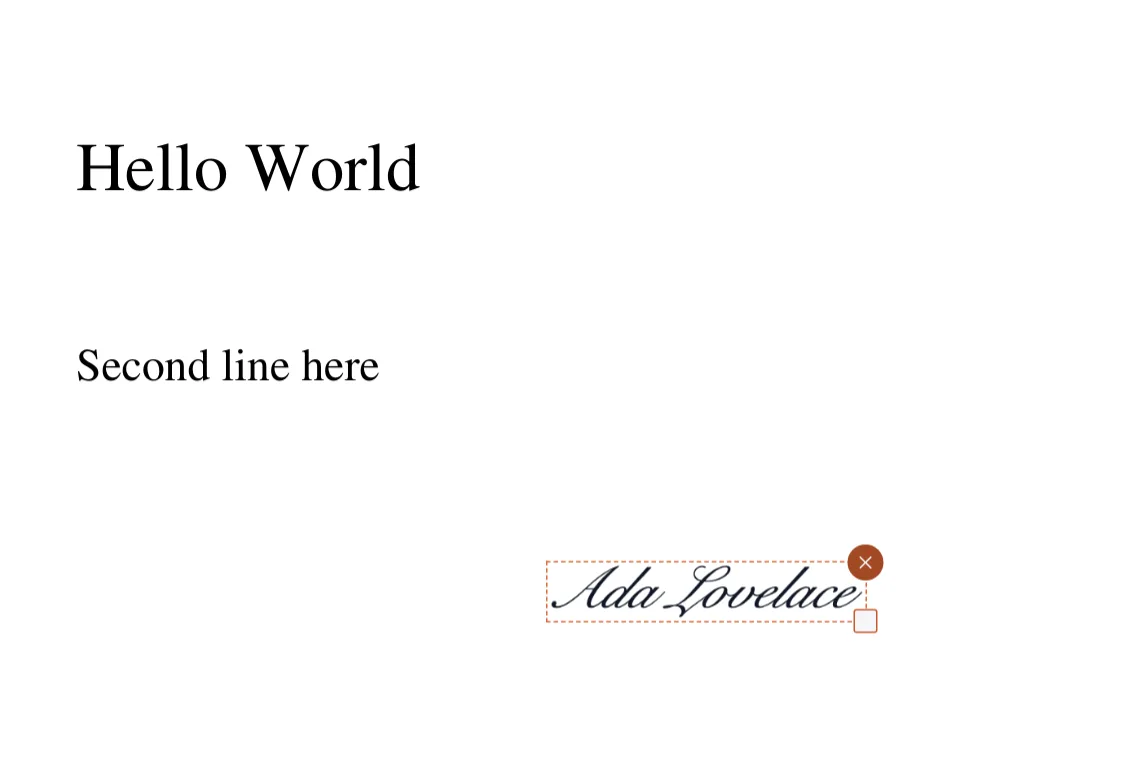
Sign PDF adds an image of your signature to a page of a PDF, in your browser. You make the signature once by drawing it with a mouse, finger or stylus, typing your name, or uploading a picture of it. Then you click where it goes on any page, drag it into place, resize it, and download the signed file.
The same signature can be placed more than once, which suits initials on every page or a signature and a second signing block. Each placement can be moved, resized or removed before you download. The signature is kept as a transparent image, so it sits over the page text without a white box.
This is a visible signature, a picture drawn into the page. It is not a certificate-based digital signature: nothing identifies you cryptographically and the file does not record who signed it or detect later changes. Many forms and contracts accept an image signature; some require a certificate-based one, so check what the recipient expects.
The file is processed in your browser with a WebAssembly PDF engine and is not uploaded, and the signature is not stored anywhere after you close the tab. Files up to 32 MB open here, and a password-protected PDF asks for its password first. A typed signature is drawn with a handwriting-style font from your own device, so it looks different on different systems.
The signature becomes part of the page content, so it cannot be moved afterwards in a PDF viewer. Keep the original if you may need to sign again. To fill in a form's fields first, use Fill PDF Form; to type extra text on the page, use Add Stamp.
Funktionen
- Draw, type or upload a signature
- Click to place it on any page; drag to move and resize
- Place the same signature several times, such as initials on every page
- Runs in your browser; the file and the signature are never uploaded
- Not a certificate-based digital signature
Wann Sie dieses Werkzeug nutzen
- Sign a contract or consent form that came as a PDF without printing it
- Add initials to each page of an agreement
- Sign a form after filling it in with Fill PDF Form
How do I sign a PDF online?
- Open the PDF with the Choose file button, or drop it on the page.
- Draw, type or upload your signature and click Use signature.
- Click the page where it should go, then drag it into place and resize it if needed. Use Add another for more.
- Click Download signed PDF.
Grenzen und Sonderfälle
- An image signature only; no certificate, identity or tamper detection
- The signature cannot be moved after you download the file
- One signature image per session; changing it updates every placement
- Files larger than 32 MB do not open in the browser
Beispiele
- A one-page consent form gets a drawn signature at the bottom right in four clicks
- A 12-page agreement gets initials on each page by placing the same signature repeatedly
Datenschutz für dieses Werkzeug
Files stay in your browser and are not uploaded. See the Privacy Policy for how the site itself handles cookies and advertising.
Häufige Fragen
- Is my PDF or my signature uploaded?
- No. Both stay in your browser. The signature is not saved after you close the tab.
- Is this a legally binding digital signature?
- It adds a picture of your signature. It is not a certificate-based digital signature and does not record who signed. Whether an image signature is accepted depends on the recipient and the rules that apply to the document.
- Can I move the signature after I download?
- No. It becomes part of the page. Keep the original file and sign again from it if you need a different position.
- Can I sign every page or add initials?
- Yes. After placing the first signature, click Add another and click another page or spot. Each placement can be moved, resized or removed.
- Why does my typed signature look different on another computer?
- It is drawn with a handwriting-style font from the device you use, then saved as an image. The downloaded PDF looks the same everywhere; creating it again on another device can look different.
- What is the size limit?
- Files up to 32 MB can be signed in the browser.
Zuletzt aktualisiert:
Your file and signature stay in your browser and are never uploaded.