How Editing Text in a PDF Works: Content Streams, Font Encodings, and Why You Can Only Edit One Line at a Time
A PDF page has no paragraphs or text boxes, only instructions to draw glyphs with a font at a position. Editing a line deletes the old instructions and writes new ones at the same spot, which decides what can and cannot be edited.
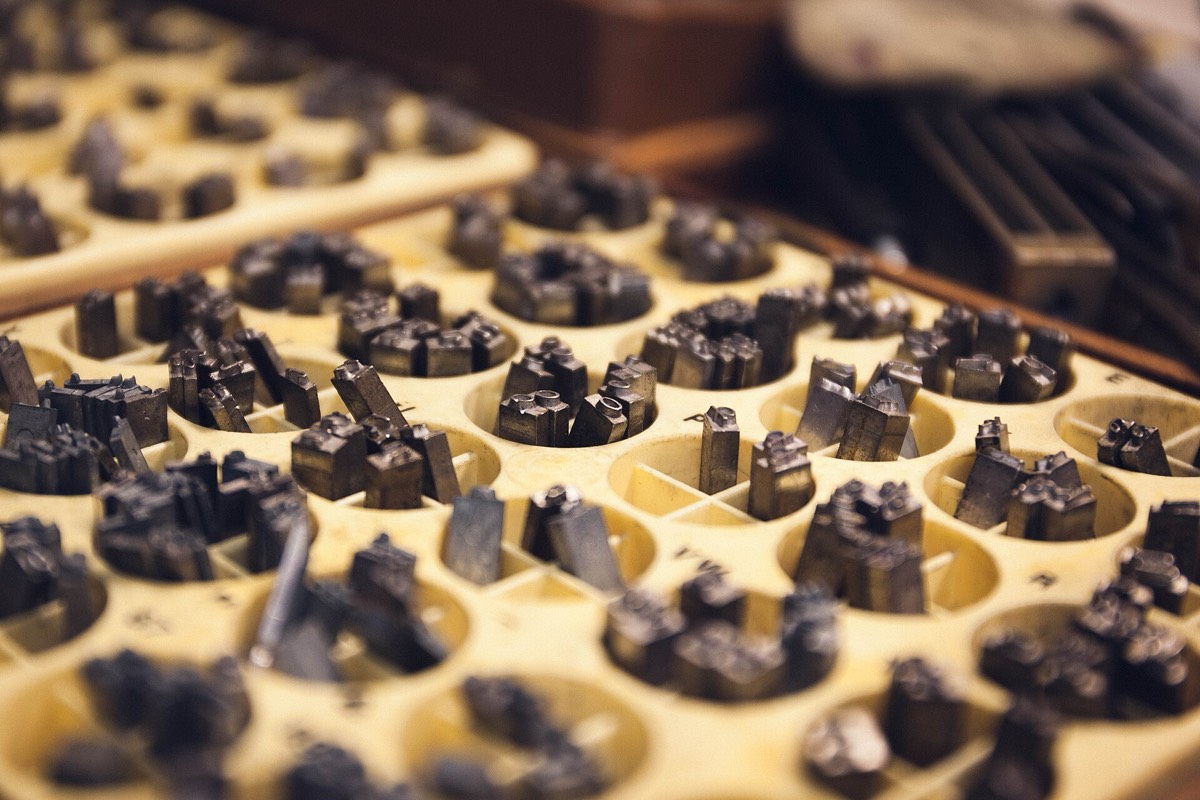
A PDF page has no paragraphs and no text boxes. It has a list of instructions: at this position, with this font and this size, draw these glyphs. Changing text means deleting the instructions that draw that line and writing new ones at the same position, with the same font, size and color. That is why Edit PDF edits one line at a time and cannot wrap text: it follows from how the text is stored.
What one line of text looks like in the file
The content of a page lives in a content stream, a small program made of operators. Four operators do most of the work for text: BT and ET enclose a block of text, Tf selects the font and size, Td moves to the next position, and Tj draws a string. With a standard font the simplest case looks like this:
BT /F1 18 Tf 20 150 Td (Hello World) Tj ET
It means: select font F1 at 18 points, move to x 20, y 150, and draw Hello World. A PDF printed from Chrome usually looks different: the parentheses no longer hold characters but glyph numbers from the font, and Tm sets the position once. Below is the line Hello World from Georgia from a page exported by Chrome, where every four hexadecimal digits are one glyph number:
BT /F4 24 Tf 1 0 0 -1 30 52 Tm <002b0048004f004f00520003003a00520055004f0047000300490055005200500003002a004800520055004a004c0044> Tj ET
002b is H, 0048 is e, 004f is l, 0003 is a space, 003a is W, and so on. These numbers mean something only inside this one font; they are not Unicode. When you copy the text, the viewer turns the numbers back into characters with a lookup table stored elsewhere in the file.
Two things follow. First, nothing in the content stream says "this is a paragraph": a line break is just another Td or Tm that moves the position to the next line, and how many lines a paragraph has must be inferred from positions. Second, to write a new character into a line you need that character's number in that font, and the font often holds only the glyphs that were used when the file was written. That is the result of font subsetting.
You can expand the streams with qpdf:
qpdf --qdf --object-streams=disable in.pdf out.pdf
Open out.pdf in a text editor and search for Tj to see every string drawn on the page. For what else a PDF contains, see What's Inside a PDF.
How the editor rebuilds a "line" from glyphs
The editor first has to group loose glyphs into a line the user can click. Glyphs with the same font, size and color whose gap to the previous glyph is no more than one font size belong to the same run; a line break, a new font or a new color ends it. Text that runs right to left, or vertically, is not grouped and cannot be opened for editing.
Two consequences can be observed directly. A line that mixes two fonts, such as a Chinese line with an English word in it, is split into two adjacent runs that are clicked separately. After an edit the same happens: if the new text uses another font, the line becomes two runs, and editing one of them leaves the other unchanged.
Editing a line: delete the old text, then write the new
Deleting uses the text-only form of redaction: the glyphs inside the line's area are removed from the content stream, images and lines are left alone, and no colored box is drawn over the old text, so copying and searching no longer find it. It changes the page content only; if the same text also appears in an annotation or in the document properties, those are not affected.
Writing appends a new text instruction at the end of the page's content stream, starting from the baseline position of the original line and reusing its size and color. After changing the line above to Hello World 2, what is appended at the end of the page is:
q 1 0 0 1 22.5 148.92 cm 0 0 0 rg
/Span <</ActualText <feff00480065006c006c006f00200057006f0072006c006400200032>>> BDC
BT /F4 18 Tf 0 0 Td <002b0048004f004f00520003003a00520055004f00470003> Tj ET
BT /F9 18 Tf 102.18 0 Td (2) Tj ET
EMC
Q
The first BT uses the original font F4 and the original glyph numbers, so Hello World is reused exactly as it was. The "2" is not in the original font subset, so the second BT starts a new standard Helvetica font (F9) to draw it. q and Q confine the coordinate transform and color of this block to itself; the editor also wraps the original content in a q/Q pair, so that state left unbalanced at the end of the original page cannot affect the new text. This is what one run looked like; the numbers vary with the file.
Appending at the end has three consequences:
- The new text is painted last, on top of everything else on the page. Text that used to sit under an image or a colored block appears above it after an edit.
- A tool that extracts text in content-stream order (such as
pdftotext -raw) reads the edited line last on that page, while extraction by position (pdftotext -layout) shows no change. The page looks the same, but the reading order has changed. - The editor attaches an ActualText to the new text, which tells a viewer which real characters the glyphs stand for. One glyph can map to several characters, and looking it up from the glyph number alone sometimes returns a compatibility character (for example reading 文 as the Kangxi radical ⽂); ActualText makes sure that what you copy is what you typed.
Which font draws the new text
Reusing the original font is the safest option, because glyph shapes, weight and width match what is next to them. Whether it can be reused depends on whether the editor can tell which code a character has in that font:
- A composite font like the one above (Type0, two-byte glyph numbers, Identity-H encoding): look the character up in the font for its glyph number, and use it if it is found. If it is not found, the character is not in the subset.
- A single-byte simple font (TrueType, Type1) with WinAnsi or MacRoman encoding: the mapping from character to byte is fixed, and widths come from the width table in the file.
- A font with a customized encoding (Differences) or one that relies on the font's built-in encoding: there is no reliable mapping, so the editor does not guess and goes to a fallback font, otherwise the text would come out garbled.
When a character is not in the original font, a fallback font is used. Plain Latin letters use the closest of Helvetica, Times and Courier, standard fonts every viewer has, so nothing needs to be embedded. Everything else, such as Chinese characters, kana, Hangul, Thai, accented Latin letters, Cyrillic and Greek, uses an open-source Noto font: the server takes the characters in the request and cuts just those glyphs out of the full font with the open-source HarfBuzz subsetting library, usually a few KB, and the browser embeds them in your file. The regional form of a Chinese character follows the interface language: Simplified, Traditional, Japanese or Korean.
The glyphs are embedded instead of writing only a font name because a font referenced by name alone is replaced by whatever fallback each viewer picks, and the weight can differ between viewers; once embedded, every viewer shows the same shapes.
Why only one line at a time
The editor has no layout engine. Every glyph position is fixed in the file; the new text is simply laid out to the right from the starting point using the font's widths, with no "wrap at the edge" logic, and nothing after it is moved. Make a line longer and the extra characters run on to the right, and whatever passes the page edge cannot be seen. Rewriting a paragraph or adding rows to a table needs a new layout, which means going back to the source file the PDF was made from.
Widths are also only the font's own advance widths, with no kerning and no glyph substitution. Text that needs no shaping (Latin, Cyrillic, Greek and Chinese characters) is laid out correctly. Thai tone marks need glyph positioning to sit in the right place, which the editor does not do, so they may be off. Arabic needs context-dependent glyph forms and right-to-left layout, Hebrew needs right-to-left layout, and Indic scripts need consonants and vowel signs combined into glyphs; all of these need full text shaping, which the editor does not do now, so typing them is refused instead of producing wrong characters.
Two more limits come from the file itself. The content of a scanned page is one image with no text operators, so there is nothing to delete or change. After a file with a digital signature is edited, the original content that the signature protected has changed, and the signature is no longer valid.
Check it yourself
You can see the changes described above in a downloaded file with three commands:
pdftotext -raw edited.pdf -      # extract in content-stream order: the old text is gone, the edited line comes last
pdffonts edited.pdf              # font list: the original fonts that were reused, and the newly embedded font subset
qpdf --qdf --object-streams=disable edited.pdf edited.qdf   # expand the content stream; the appended BT ... ET block is at the end
Keep reading
- Why Font Subsetting Breaks Editing But Not Reading: why the original font can lack a character, and what happens when it does.
- What's Inside a PDF: Objects, Streams, and the Cross-Reference Table: the whole picture of content streams, objects and file structure.
- Edit Text in a PDF Online: Fix It Without the Source File: how to use it, what it suits, and when to go back to the source file.